5 steps to a full battery
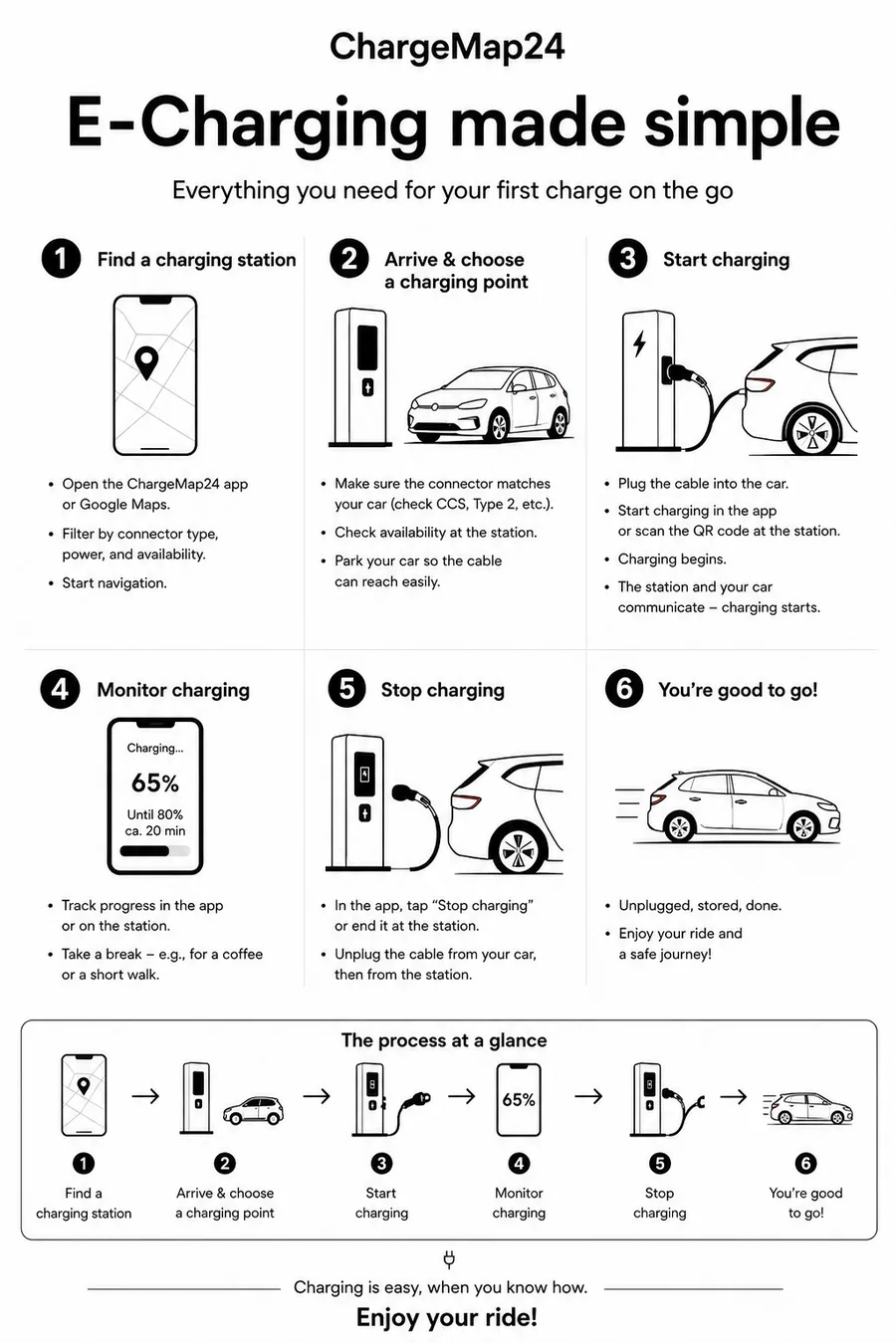
- Find a station: Use the interactive map to filter by location, connector type or network and head to a free charge point.
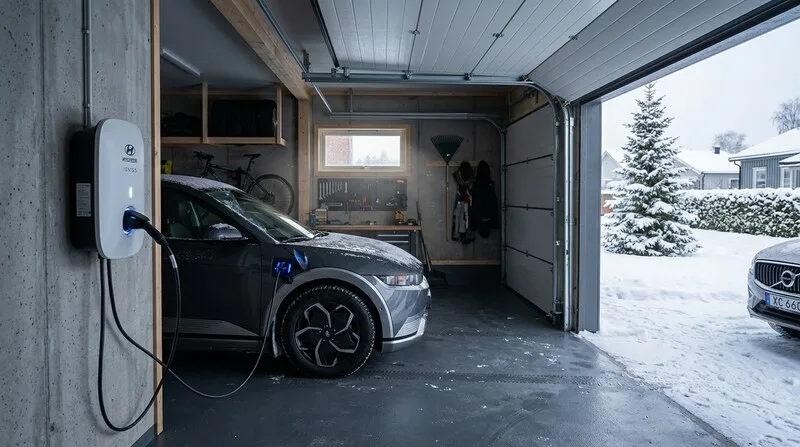
- Park: Get close enough that the charging cable reaches your car's charging port.
- Plug in: Open the charging flap and insert the connector (usually CCS or Type 2) – most cars lock it automatically.
- Start the session: Authorize via app, RFID card or credit card at the terminal. Some cars start automatically as soon as the cable is plugged in (Plug & Charge).
- Pay & unplug: End the session in the app, unplug, close the flap. The invoice usually arrives automatically by app or email.
How to pay at a charging station
- Network app: ChargePoint, Electrify America, Tesla App – save a payment method once, then start/stop with a tap.
- RFID charging card: Roaming cards from providers like Plugsurfing or ChargePoint – tap the card, the session starts automatically.
- Credit card / contactless directly at the station: Increasingly available at newer stations – no subscription needed, usually slightly pricier than with a card.
- Ad-hoc charging: Scan the QR code on the display and pay in your browser – no app or card required.
What to watch out for the first time
- Check the connector: Does Type 2 (AC) or CCS (DC) match your car? See our connector guide.
- Mind the charging speed: Your car never charges faster than its own maximum – not even at a 350 kW station.
- Don't block the spot: Once you hit around 80%, free up the charger for others.
- Compare prices: Rates can range widely between networks – checking per-kWh pricing before you plug in pays off.
Frequently asked questions
Do I need a separate app for every charging station?
No. Roaming providers give you access to thousands of charging stations from different operators with just one card or app.
What happens if I don't plug in the cable correctly?
The session simply won't start, or it stops immediately. A correctly plugged-in cable locks automatically on most vehicles and can only be removed once the session has ended.
Can I charge without a card or app?
Yes, via ad-hoc charging at most stations: scan the QR code and pay directly in your browser with a credit card – no account needed.
Next: Complete guide to finding stations · Connector types explained · Find all charging stations